5 minute read - The free plan includes 5,000 emails/month - perfect for getting started!

Prerequisites

A Unosend account (free to create)
cURL or any HTTP client (for testing)
A verified domain (optional, but recommended)

Step 1: Create an Account

Sign up for a free Unosend account at unosend.co/signup. No credit card required.
The free plan includes 5,000 emails/month - perfect for getting started!

Step 2: Get Your API Key

Navigate to API Keys in your dashboard and click “Create API Key”. Your API key will start with the un_ prefix.
Your API Key
un_xxxxxxxxxxxxxxxxxxxxxxxxxxxxxxxx
Important: Copy and save your API key immediately - it’s only shown once! Keep it secure and never expose it in client-side code.

Step 3: Add a Domain

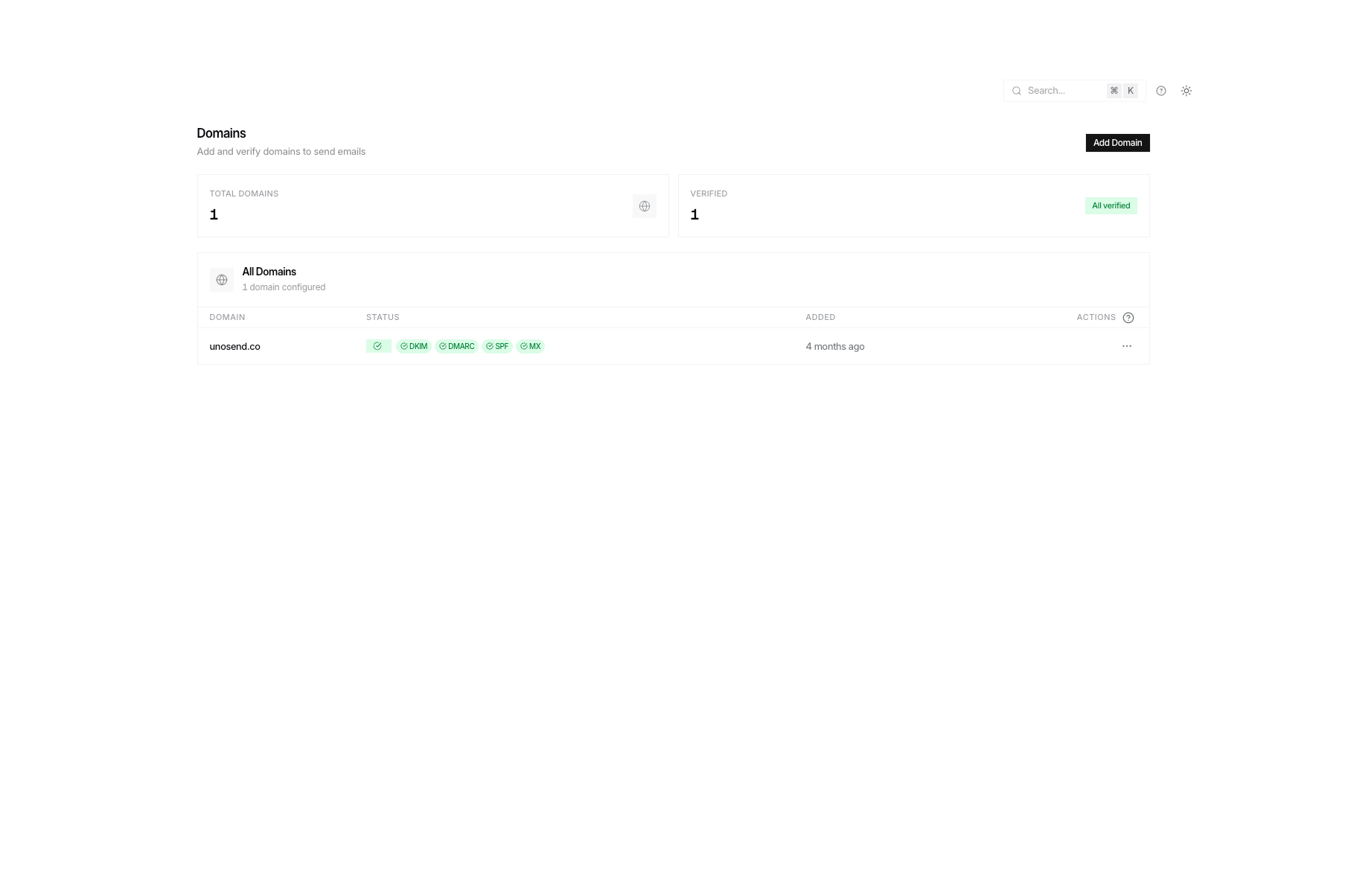
Go to Domains in your dashboard and add your sending domain. You’ll need to add DNS records to verify ownership.
cURL
curl -X POST https://www.unosend.co/api/v1/domains \
  -H "Authorization: Bearer un_your_api_key" \
  -H "Content-Type: application/json" \
  -d '{"domain": "yourdomain.com"}'
Add the returned DNS records to your domain provider, then verify:
cURL
curl -X POST https://www.unosend.co/api/v1/domains/{domain_id}/verify \
  -H "Authorization: Bearer un_your_api_key"

Step 4: Send Your First Email

Once your domain is verified, send your first email using the REST API:
cURL
curl -X POST https://www.unosend.co/api/v1/emails \
  -H "Authorization: Bearer un_your_api_key" \
  -H "Content-Type: application/json" \
  -d '{
    "from": "[email protected]",
    "to": ["[email protected]"],
    "subject": "Hello from Unosend!",
    "html": "<h1>Welcome!</h1><p>This is your first email sent with Unosend.</p>"
  }'

Response

200 OK
{
  "id": "550e8400-e29b-41d4-a716-446655440000",
  "from": "[email protected]",
  "to": ["[email protected]"],
  "created_at": "2024-01-15T10:30:00.000Z"
}

Using Node.js

const response = await fetch('https://www.unosend.co/api/v1/emails', {
  method: 'POST',
  headers: {
    'Authorization': `Bearer ${process.env.UNOSEND_API_KEY}`,
    'Content-Type': 'application/json'
  },
  body: JSON.stringify({
    from: '[email protected]',
    to: ['[email protected]'],
    subject: 'Hello from Unosend!',
    html: '<h1>Welcome!</h1>'
  })
});

const data = await response.json();
console.log('Email sent:', data.id);

Using Python

Python
import os
import requests

response = requests.post(
    'https://www.unosend.co/api/v1/emails',
    headers={
        'Authorization': f'Bearer {os.environ["UNOSEND_API_KEY"]}',
        'Content-Type': 'application/json'
    },
    json={
        'from': '[email protected]',
        'to': ['[email protected]'],
        'subject': 'Hello from Unosend!',
        'html': '<h1>Welcome!</h1>'
    }
)

print('Email sent:', response.json())

Next Steps