> ## Documentation Index
> Fetch the complete documentation index at: https://docs.unosend.co/llms.txt
> Use this file to discover all available pages before exploring further.

# Quick Start

> Send your first email in under 5 minutes.

## 1. Get Onboarded

[Book a call](https://cal.com/unosend/onboarding) or [contact us](https://unosend.co/contact) to get set up. We'll provision your account and provide your Send Mail Token.

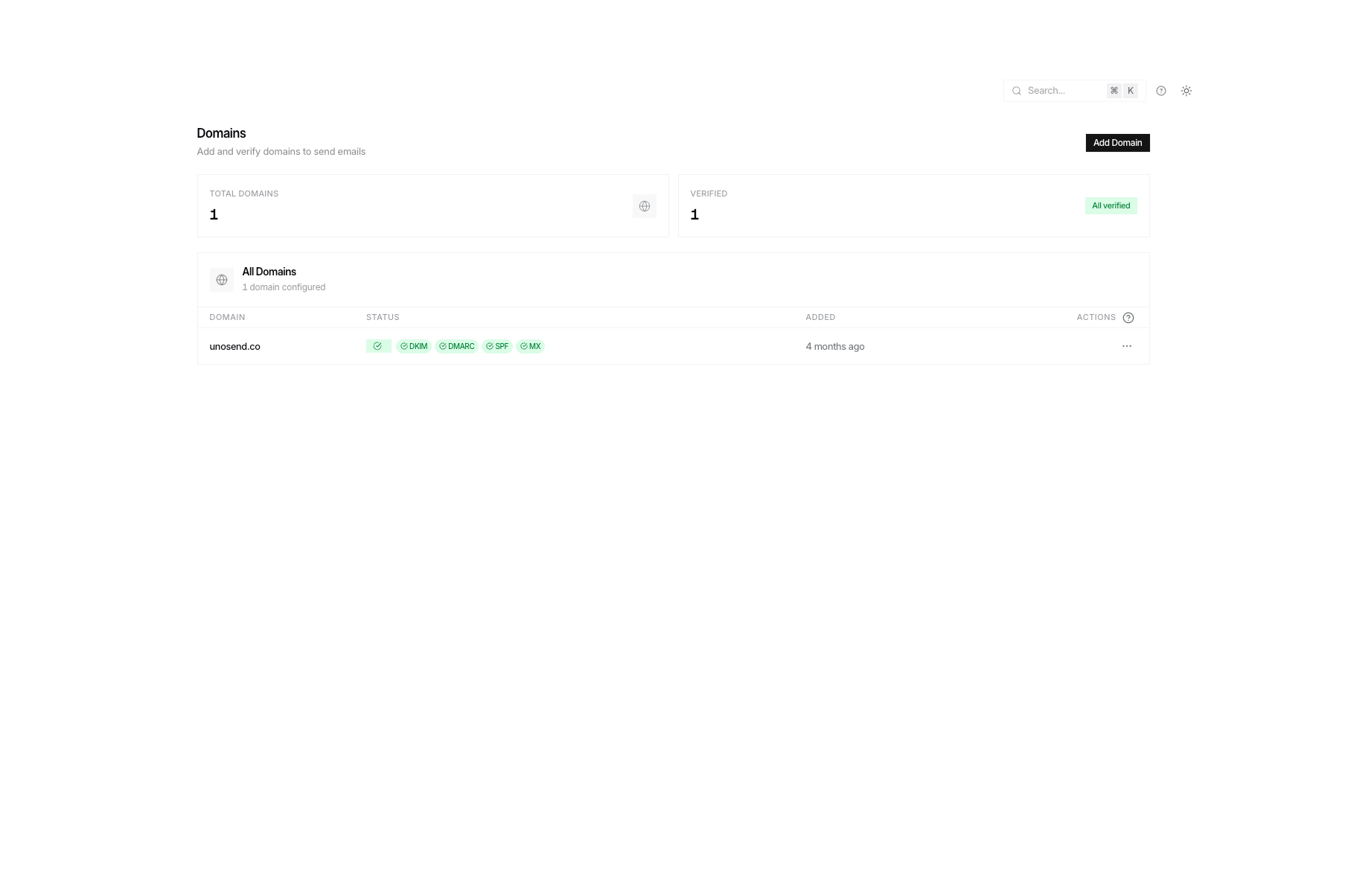
## 2. Add a Domain

Add your sending domain and configure the DNS records we provide (SPF, DKIM, CNAME tracking).

<Frame>
  <img src="https://mintcdn.com/unosend/5F-pmOYUAiKBQt9S/images/DOMAINS.png?fit=max&auto=format&n=5F-pmOYUAiKBQt9S&q=85&s=412d6c59ec428471abea3148b2f6089b" alt="DOMAINS" width="1807" height="1204" data-path="images/DOMAINS.png" />
</Frame>

```bash theme={null}
# Add domain
curl -X POST https://api.unosend.co/v1/domains \
  -H "Authorization: Bearer un_your_api_key" \
  -H "Content-Type: application/json" \
  -d '{"domain": "yourdomain.com"}'

# Verify after adding DNS records
curl -X POST https://api.unosend.co/v1/domains/{id}/verify \
  -H "Authorization: Bearer un_your_api_key"
```

## 3. Send an Email

<CodeGroup>
  ```bash cURL theme={null}
  curl -X POST https://api.unosend.co/v1/emails \
    -H "Authorization: Bearer un_your_api_key" \
    -H "Content-Type: application/json" \
    -d '{
      "from": "hello@yourdomain.com",
      "to": ["user@example.com"],
      "subject": "Hello from Unosend",
      "html": "<h1>Welcome!</h1><p>Your first email.</p>"
    }'
  ```

  ```javascript Node.js theme={null}
  const res = await fetch('https://api.unosend.co/v1/emails', {
    method: 'POST',
    headers: {
      'Authorization': `Bearer ${process.env.UNOSEND_API_KEY}`,
      'Content-Type': 'application/json'
    },
    body: JSON.stringify({
      from: 'hello@yourdomain.com',
      to: ['user@example.com'],
      subject: 'Hello from Unosend',
      html: '<h1>Welcome!</h1><p>Your first email.</p>'
    })
  });
  console.log(await res.json());
  ```

  ```python Python theme={null}
  import requests

  res = requests.post(
      'https://api.unosend.co/v1/emails',
      headers={'Authorization': 'Bearer YOUR_API_KEY'},
      json={
          'from': 'hello@yourdomain.com',
          'to': ['user@example.com'],
          'subject': 'Hello from Unosend',
          'html': '<h1>Welcome!</h1><p>Your first email.</p>'
      }
  )
  print(res.json())
  ```
</CodeGroup>

**Response:**

```json theme={null}
{
  "id": "550e8400-e29b-41d4-a716-446655440000",
  "from": "hello@yourdomain.com",
  "to": ["user@example.com"],
  "status": "queued"
}
```

## Next Steps

<CardGroup cols={2}>
  <Card title="Domain Verification" icon="shield-check" href="/guides/domain-verification">
    Set up SPF and DKIM
  </Card>

  <Card title="API Reference" icon="code" href="/api-reference/introduction">
    See all endpoints
  </Card>
</CardGroup>
